Create Listing
Payments & Billing
Manage Calendars, Rates & Reservations
Calendar Syncing Using iCal
Monthly Pricing
How to Add Payment Rules
How to Cancel a Reservation
How Do Payments for Manual Reservations Work?
How can a guest initiate a reservation cancellation?
How can a guest submit a request to change their reservation?
How can a guest download their booking invoice?
How can host modify the reservation?
How to Add a Promo Code
Set up Minimum Night Stay Requirements
How to Add Upsells
How to Enable Request to Book
Create Landing Page
Distribution
Account Management
How to Increase Direct Bookings
Trust and Safety
PM Responsibilities
Learning Resources & FAQs
💬
Feedback
🗺️
Roadmap
Changelog
    Home
  1. Manage Calendars, Rates & Reservations
  2. How can a guest submit a request to change their reservation?

How can a guest submit a request to change their reservation?

Written By Jayson Balilo

Last updated 5 months ago

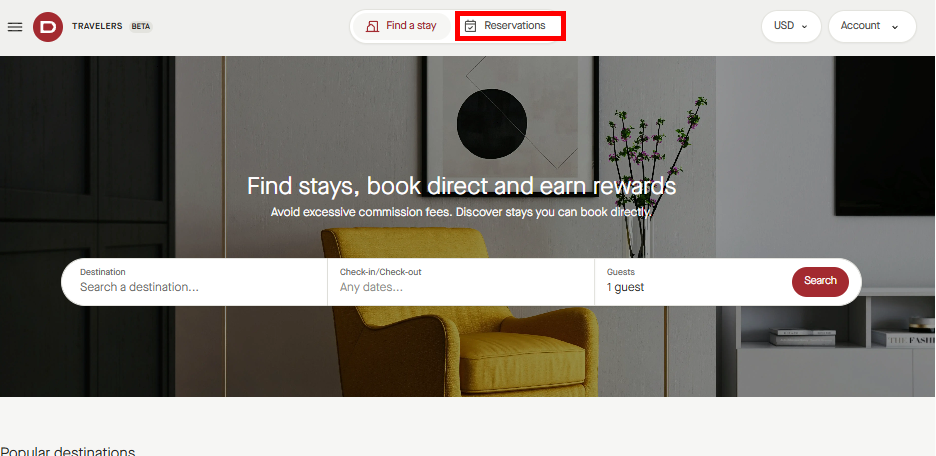
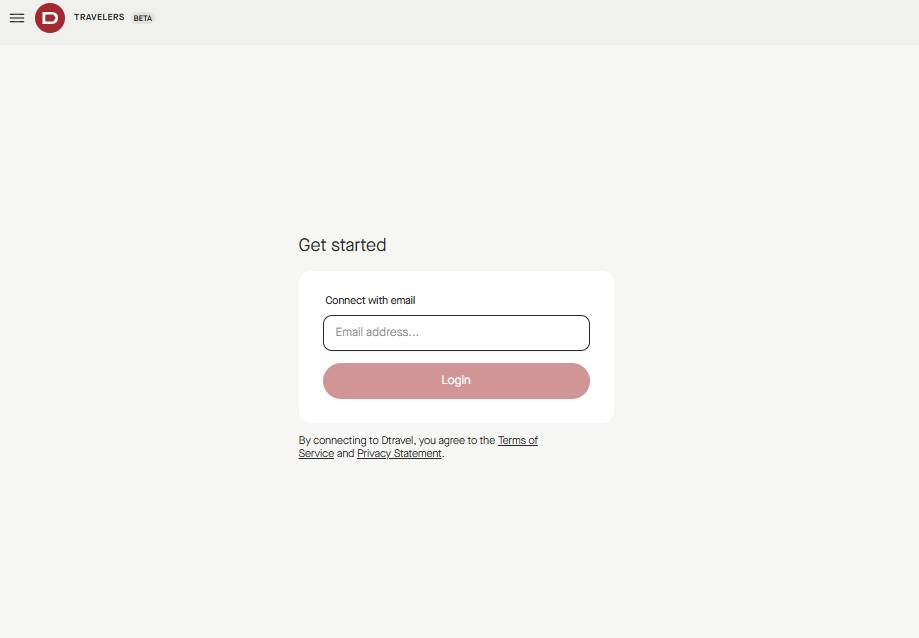
  1. To request for a cancellation, guest logs in Traveler app
notion image
  1. Click on reservation

notion image
  1. Go to the reservation details page and request to change the stay dates or the number of guests on the reservation

notion image

Was this helpful?